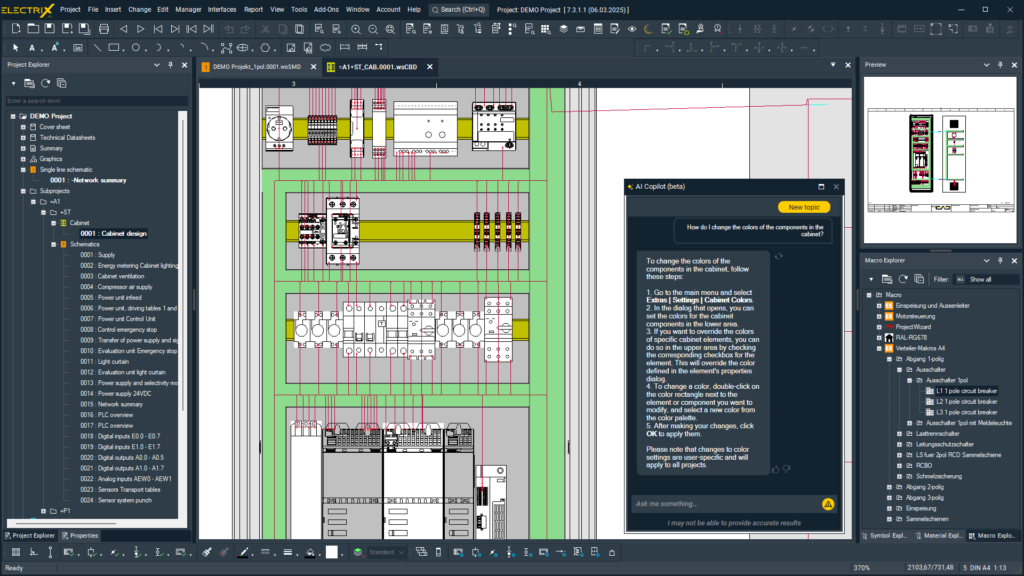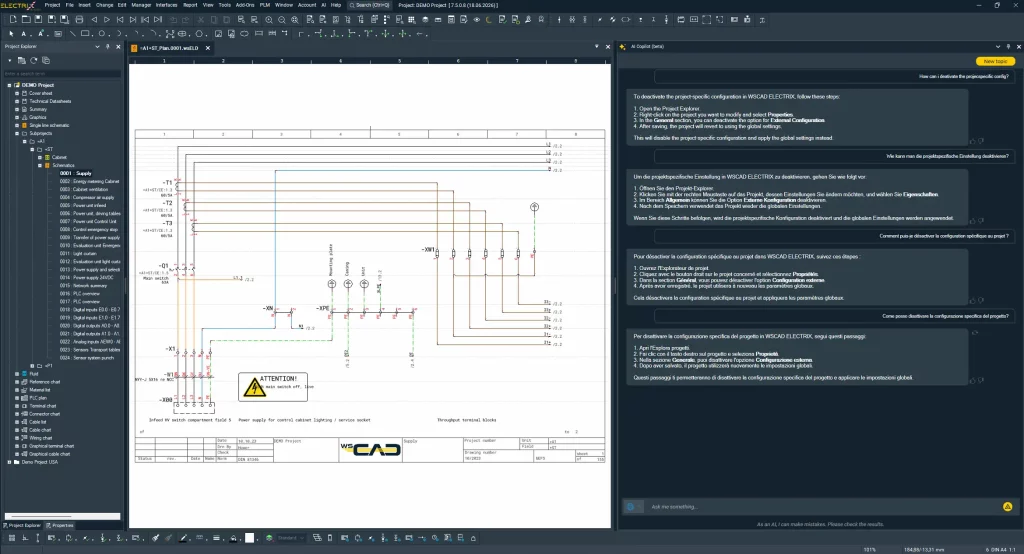
ELECTRIX AI Copilot now also uses the combined knowledge of the WSCAD support team. Common user questions are answered directly within the software, quickly, precisely and with practical relevance.
News and worth knowing about Electrical Engineering and the WSCAD software
ELECTRIX AI Copilot now also uses the combined knowledge of the WSCAD support team. Common user questions are answered directly within the software, quickly, precisely and with practical relevance.
Docking stations with insufficient power delivery can cause performance issues and crashes in WSCAD – especially when using external monitors and dedicated GPUs.
WSCAD crash caused by NVIDIA driver: How to fix the nvoglv64.dll error immediately.
This video tutorial focuses on the easiest way to place new parts and symbols in your project.
Learn in this blog post how you can import parts from the world’s largest electrical CAD data library wscaduniverse.com directly into the WSCAD ELECTRIX AI software.
With the Windows 11 24H2 update, updating the Codemeter driver is required to prevent issues with license management.
This webinar introduces the latest innovation of WSCAD ELECTRIX: the AI Copilot
Technical documentation at the touch of a button
The most powerful features of WSCAD ELECTRIX AI — AI Copilot (Part 3): Mastering the Project Workflow
The most powerful features of WSCAD ELECTRIX AI — AI Copilot (Part 2): Mastering Complex Tasks in ELECTRIX
The most powerful features of WSCAD ELECTRIX AI — AI Copilot (Part 1): The Help & Search function
With the Windows 11 24H2 update, updating the Codemeter driver is required to prevent issues with license management.
Discover how the ELECTRIX AI Copilot accelerates and simplifies your workflows! By leveraging artificial intelligence, it automates repetitive tasks in electrical design, helping you save valuable time and boost efficiency.
Learn in this blog post how to easily import articles from wscaduniverse.com into WSCAD software and use them efficiently in your projects.
In this tutorial, we explore the step-by-step journey from a simple drawing to an intelligent symbol.
Automate electrical designs using predefined macros and variables with the WSCAD Project Wizard
In this post, we’ll explore the top five ways AI is set to impact the future of electrical design. We will showcase real-world examples from the world’s first AI software for electrical engineering, giving you a clear sense of why adopting this technology is crucial for staying competitive.
AI can automate the most mundane tasks, provide lightning-fast insights, and push organizations to the next level of efficiency. But how exactly can leaders make the most out of this tech revolution? This blog post shows you how forward-thinking leaders can cultivate an environment where AI innovation doesn’t just survive — it thrives.
We show what advices the German Federal Office for Information Security (Bundesamt für Sicherheit in der Informationstechnik, BSI) gives on secure mobile working and how WSCAD supports secure decentralised working.
With Cart Import, WSCAD offers a user-friendly solution that enables users to import the required article data from the manufacturer’s website into the ELECTRIX software’s article database in the shortest possible time.