This video tutorial focuses on the easiest way to place new parts and symbols in your project.
This video tutorial focuses on the easiest way to place new parts and symbols in your project.
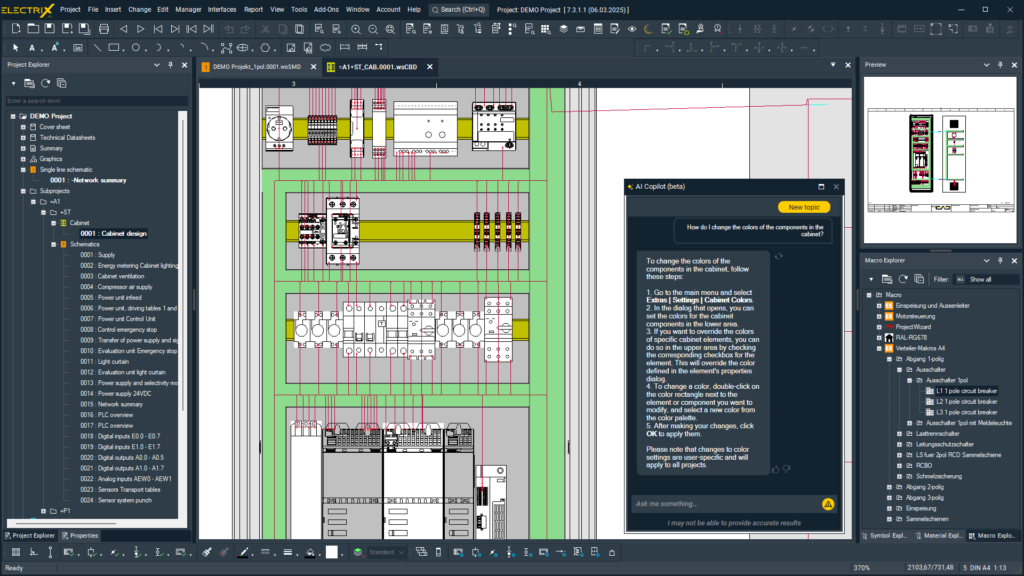
This webinar introduces the latest innovation of WSCAD ELECTRIX: the AI Copilot
Technical documentation at the touch of a button
The most powerful features of WSCAD ELECTRIX AI — AI Copilot (Part 3): Mastering the Project Workflow
The most powerful features of WSCAD ELECTRIX AI — AI Copilot (Part 2): Mastering Complex Tasks in ELECTRIX
The most powerful features of WSCAD ELECTRIX AI — AI Copilot (Part 1): The Help & Search function
Discover how the ELECTRIX AI Copilot accelerates and simplifies your workflows! By leveraging artificial intelligence, it automates repetitive tasks in electrical design, helping you save valuable time and boost efficiency.
In this tutorial, we explore the step-by-step journey from a simple drawing to an intelligent symbol.
Automate electrical designs using predefined macros and variables with the WSCAD Project Wizard
In this post, we’ll explore the top five ways AI is set to impact the future of electrical design. We will showcase real-world examples from the world’s first AI software for electrical engineering, giving you a clear sense of why adopting this technology is crucial for staying competitive.