Future-Proofing your electrical CAD Software: Boosting productivity with the WSCAD AI Copilot
Revolutionize electrical CAD with WSCAD AI Copilot’s Help & Search
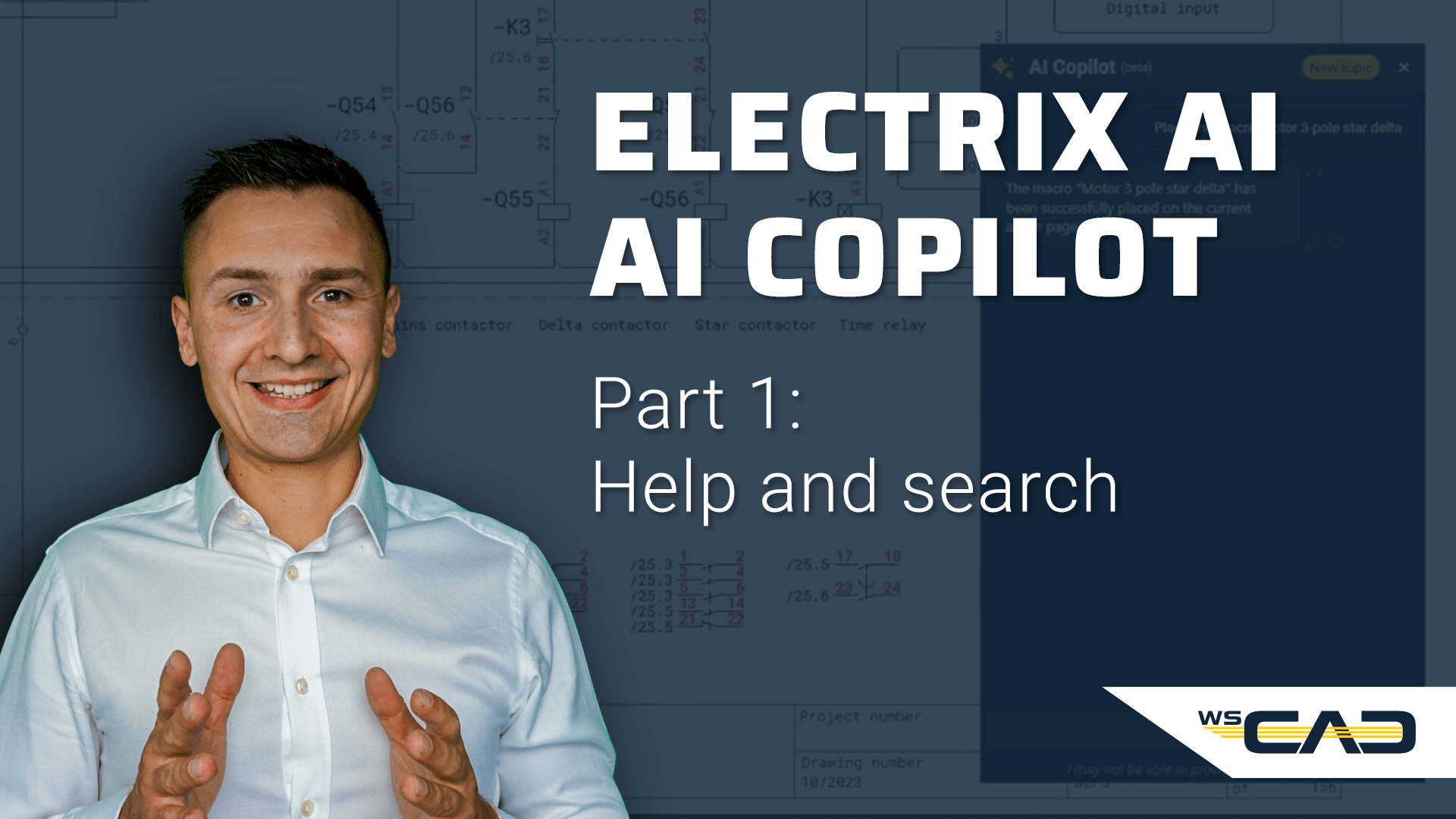
This video introduces the groundbreaking integration of AI within modern electrical CAD software, specifically focusing on the WSCAD AI Copilot. The process involves interacting with a specialised chat interface that translates natural language into direct software actions and real-time technical assistance. A major focus is placed on accessibility, allowing users to retrieve software settings or general engineering data—such as wire cross-sections—without ever leaving their design environment. Additionally, the tutorial highlights how the AI understands both precise technical terminology and more general beginner-level descriptions, ensuring that users of all skill levels can navigate their schematic design tasks effectively. Overall, the video serves as a practical roadmap for how AI-driven tools can reduce complexity, accelerate everyday workflows, and automate repetitive engineering tasks within a professional electrical CAD environment.
Explore how this intelligent assistant transforms your daily engineering workflow:
- The Seamless Interface: Discover the semi-transparent, glowing button located at the bottom right of the screen, designed to stay out of your way until you need to activate the chat window.
- Integrated Engineering Knowledge: Learn how to ask the AI for technical specifications, such as the recommended 10 mm² cross-section for copper wires at 64 amps, eliminating the need to search through external lists or the internet.
- On-Demand Software Support: See how the co-pilot identifies specific functions, like toggling the grid via the F7 shortcut or the View menu, providing immediate answers to “how-to” questions.
- Natural Language Processing: Understand how the AI bridges the gap between experts and beginners by interpreting vague requests like “show guidelines” as a command to toggle the grid,.
- Four Pillars of AI Assistance: Gain insights into the four main categories where the tool provides value: explaining functions, providing technical/project information, troubleshooting, and executing complex commands,.
- Efficiency for Power Users: Discover how advanced designers can replace multiple clicks and repetitive routine tasks with a single, spoken or typed sentence to execute complex commands.
Using the AI Copilot within your E-CAD software is like having an expert navigator sitting right next to you in a high-tech cockpit. Instead of you having to stop your flight to consult a thick paper manual or a map every time you need to adjust a setting or verify a technical detail, you simply state your goal out loud. Your navigator either provides the exact answer or flips the necessary switches for you, allowing you to keep your hands on the controls and your focus on the horizon.

This video is part 1 of 3 about the AI Copilot from the first and only AI-powered electrical CAD software: ELECTRIX AI.
Part 2: WSCAD AI Copilot – Complex Tasks
Part 3: WSCAD AI Copilot – Project Workflow
On our WSCAD YouTube channel, you’ll find additional short video tutorials and webinar recordings, as well as further useful information about WSCAD and the ELECTRIX electrical CAD.
Haven’t tried ELECTRIX AI yet?
Try ELECTRIX AI, the only AI-powered electrical CAD, completely free and without obligation. Experience the full “Ultimate” version with all modules and add-ons. With integrated Artificial Intelligence, you’ll work more efficiently and productively, save time and money, and reduce errors. Enjoy less stress and deadline pressure while effectively addressing the skilled labour shortage.